View <Object> Description
This operation displays a text description of the model assigned to the selected object (node, link, demand, or path). You can select and copy the text from the edit pad in which it displays to another edit pad, write the text to a file, or print the text.
Procedure 168: Viewing an Object Description
-
Right-click on an object and choose View
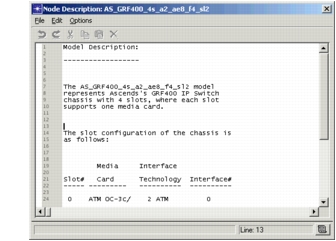
<object>Description.A description of the model assigned to the selected object displays in a text edit pad.
Figure 153: Node Description