Converting LSP Configurations to Traffic Flows
When traffic load is configured on one or more LSPs in the network, you can convert the loads to IP traffic flows.
Key Concept—When there is no traffic configured on any LSPs in the network, and the TE Parameters > Minimum Bandwidth attribute is specified on at least one LSP, you can add new traffic as IP traffic flows.
Using Convert LSPs To Flows
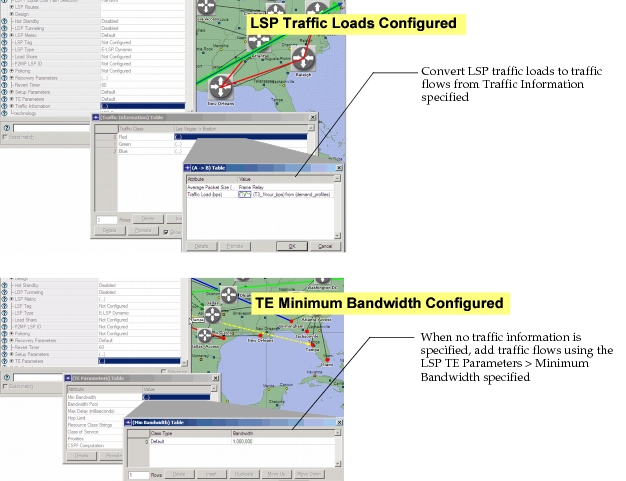
From the Project Editor menu, choose Traffic > Convert LSP Loads To Flows to either convert LSP loads to IP traffic flows or to use TE minimum bandwidth to add IP traffic flows. The following figure shows examples of the LSP configurations used to create IP traffic flows.
Figure 36: LSP Traffic Load or TE Minimum Bandwidth Traffic Flows