Troubleshooting and Preferences
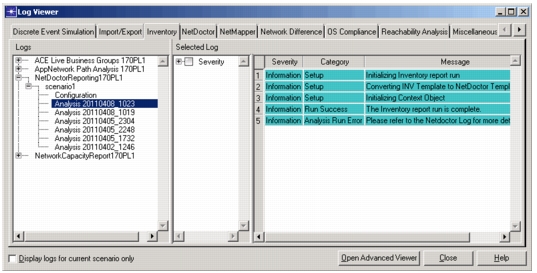
In some cases, you need to refer to the Inventory log for details about running a report. You can choose Topology > Inventory Report > Open Inventory Report Log or select the Inventory tab after you choosing Help > Show All Logs. The following figure shows an example Inventory log.
Figure 1: Inventory Log
Inventory Report Preferences
For troubleshooting and debugging Inventory report generation, you might need to adjust preferences. The following figure shows the preferences for Inventory reporting.
Figure 2: Inventory Preferences
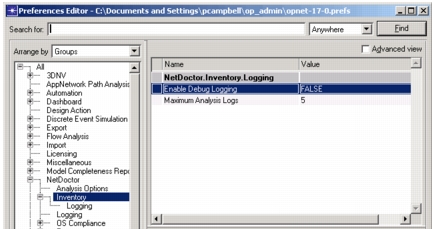
You can access the preferences using the Topology > Inventory Report > Edit Inventory Preferences menu or choose File > Preferences from the main menu.
For more information, see: