Selecting Text in a Text Edit Pad
There are several methods for selecting text:
- Drag the cursor over the desired text.
- Double-click to select a single word.
- Triple-click to select the entire line.
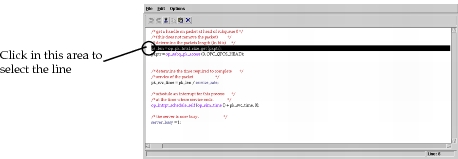
- Click in the far-left column of the text edit pad to select the entire line.
Figure 6: Selecting an Entire line in a Text Edit Pad
- Place the cursor on the first (or last) character of the text block that you want to select. Hold down the shift key and place the cursor on the last (or first) character of the text block. The block demarcated by the two cursor clicks is selected.
- Choose File > Select All to select the complete contents of the text edit pad.