Viewing the Import Summary Report
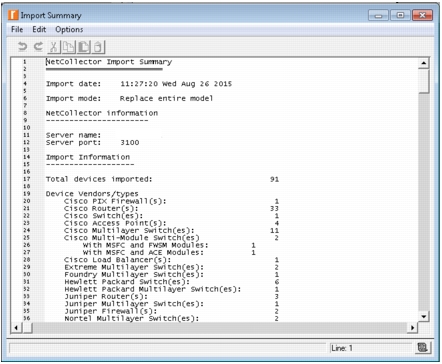
When the import process completes, the import summary report appears, as shown below. This report contains information about the import including the timestamp, duration of process, specified import mode and options selected. It also shows the directory from which the device configuration files were imported and issues that were identified by the Import Assistant during the process.
Figure 13: Import Summary Report