View the Import Summaries
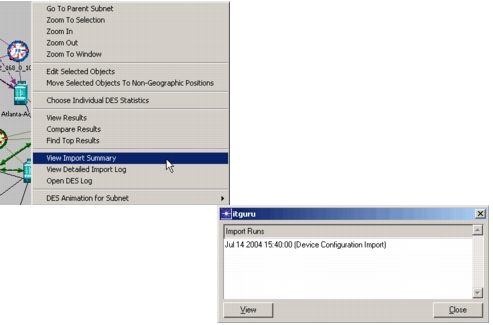
If you want to review the import summary for your current scenario or other import summaries for previous imports, right-click in the workspace and choose View Import Summary. A dialog box opens that contains a list of import summary reports from previous device configuration imports. You can select any of the available reports for viewing.
Figure 21: View Import Summary