Importing Traffic with the Topology from NetCollector
Using Import from NetCollector
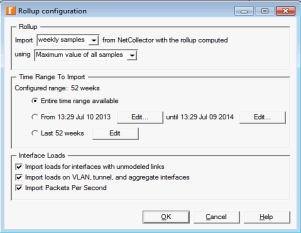
Configure traffic import (loads and flows) using the Traffic tab as shown using the steps on the right.
For detailed instructions, see “Traffic Options for Import from NetCollector“ in the “Import from NetCollector“ section of the User Guide.
Specific Workflows for Importing Network Traffic
- “Importing Network Traffic“
For information about how traffic maps to source and destination nodes in your imported network, see “Mapping “Offnet” Traffic Flows“.
Key Concept— “Traffic Flows“ route traffic from source nodes to one or more destination nodes in your network model; “Baseline Loads“ use traffic utilization metrics as the link loads in your network model.
Where to start...
1) Choose Topology > Import Topology > From NetCollector
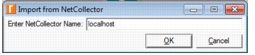
2) Enter NetCollector Server Name
3) Select the Traffic tab
For more information, see:
For more details, see “Importing Network Traffic“ and “Modeling Network Traffic“.
Related Topics: