Profile Library Editor
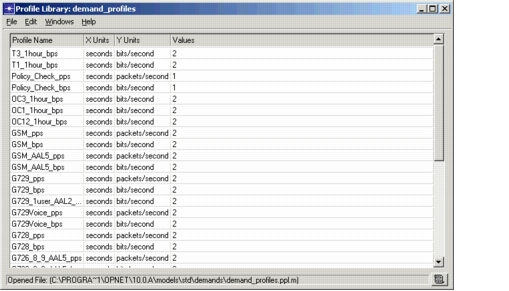
To open the Profile Library Editor, choose File > New (to create a new library) or File > Open (to open an existing library); then choose Profile Library from the pull-down menu.
To edit a specific profile, click in the Values field for that profile.
Figure 231: Profile Library Editor