Inspecting Configurations
Multicast Traffic
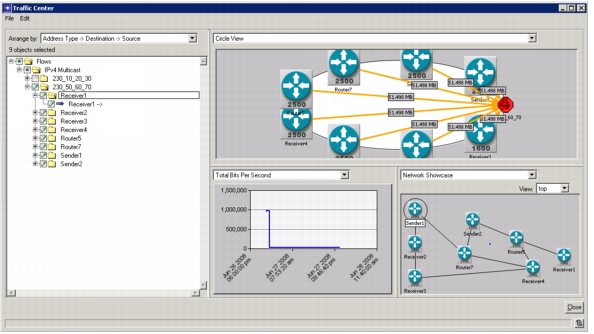
To view the configured multicast traffic, open the Traffic Center (Traffic > Open Traffic Center).
Figure 245: Viewing Multicast Traffic in the Traffic Center
Multicast Subscribers
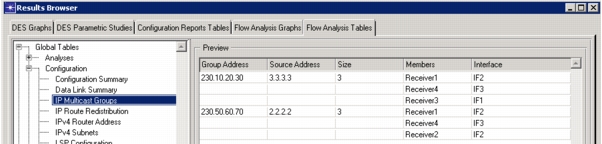
To see the nodes listening to multicast traffic, run flow analysis and view the Global Tables.Configuration.IP Multicast Groups Flow Analysis Table.
Figure 246: Viewing Multicast Subscribers
PIM Configuration
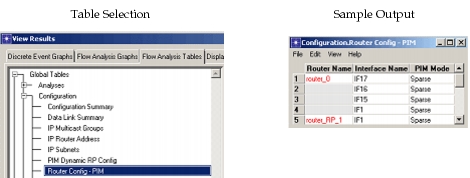
To see the nodes and their interfaces running PIM protocol, run Flow Analysis and view results “Flow Analysis Tables” Global Tables > Configuration > Router Config - PIM.
Figure 247: Viewing PIM Configuration