Generating IP Configuration Reports
You can create reports that compile the IP configuration for all or selected nodes in the network. You can use these reports to verify the configuration on each node without opening each router’s Attributes dialog box. Reports can be generated and viewed before or after running a simulation.
Procedure 39: Creating and Viewing Configuration Reports
-
Select the routers for which you want to create configuration reports. If you want to include all routers in the reports, skip this step.
-
Select Protocols > IP > Configuration Reports > Select/Generate.
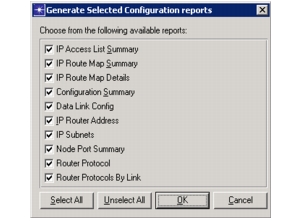
The following dialog box appears.
Figure 186: Generate Selected Configuration Reports Dialog Box
-
Choose the reports you want to create.
-
Click OK.
-
Right-click in the project editor and select View Results.
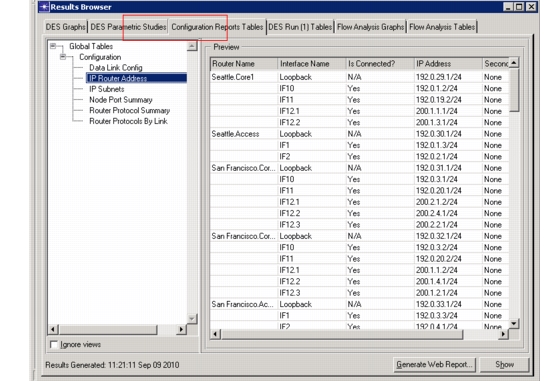
The following dialog box appears.
Figure 187: View Results
-
In the View Results dialog box, click on the Configuration Reports Tables tab to view the reports you created.
End of Procedure 39